


Friday, August 5, 2011
How To make Breadcrumbs
Did you already know about Breadcrumbs? many people say that the breadcrumbs can make the blog more SEO friendly. Breadcrumbs is a small navigation to indicate the location of the article is located.
Breadcrumbs are usually located above the post title, then from that, this time "how to trick" will provide a trick to create or add Breadcrumbs on the post title.
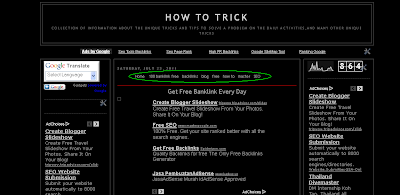 Please follow these steps:
1. Log in to your Blogger account, go to "Design" and select Edit HTML.
2. check "Expand Widget Templates" and then copy the following code:
4. Next, locate the code
5. after that copy the code below and paste below code was
good luck.....
Did you already know about Breadcrumbs? many people say that the breadcrumbs can make the blog more SEO friendly. Breadcrumbs is a small navigation to indicate the location of the article is located.
Breadcrumbs are usually located above the post title, then from that, this time "how to trick" will provide a trick to create or add Breadcrumbs on the post title.
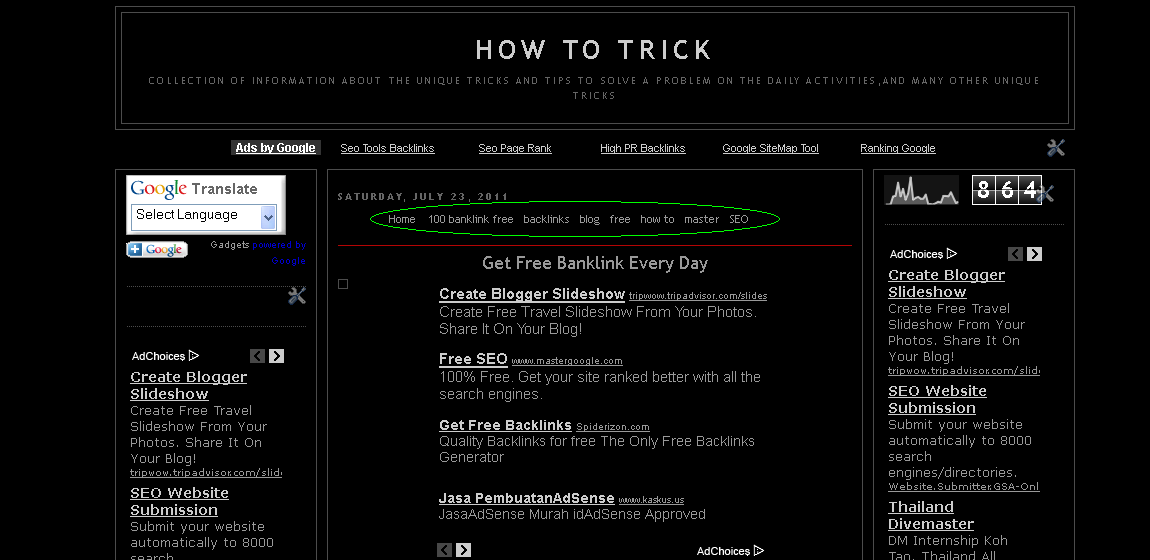
1. Log in to your Blogger account, go to "Design" and select Edit HTML.
2. check "Expand Widget Templates" and then copy the following code:
.breadcrumbs{float:left;width:100%; font-size:11px;color:#000; border-bottom:1px solid #B40404; margin:1px 0 3px; padding:0 0 2px 0px;display:block}3. Enter (paste) the above code before the tag ]]></ b: skin>
4. Next, locate the code
<div class='post hentry uncustomized-post-template'>or the like.
5. after that copy the code below and paste below code was
<b:if cond='data:blog.homepageUrl == data:blog.url'> <b:else/> <b:if cond='data:blog.pageType == "item"'> <div class='breadcrumbs'> Browse » <a expr:href='data:blog.homepageUrl'>Home</a> » <b:if cond='data:post.labels'><b:loop values='data:post.labels' var='label'> <a expr:href='data:label.url' rel='tag'><data:label.name/></a> <b:if cond='data:label.isLast != "true"'> , </b:if> </b:loop> </b:if> » <data:post.title/> </div> </b:if> </b:if>6. last. save your template
good luck.....
